
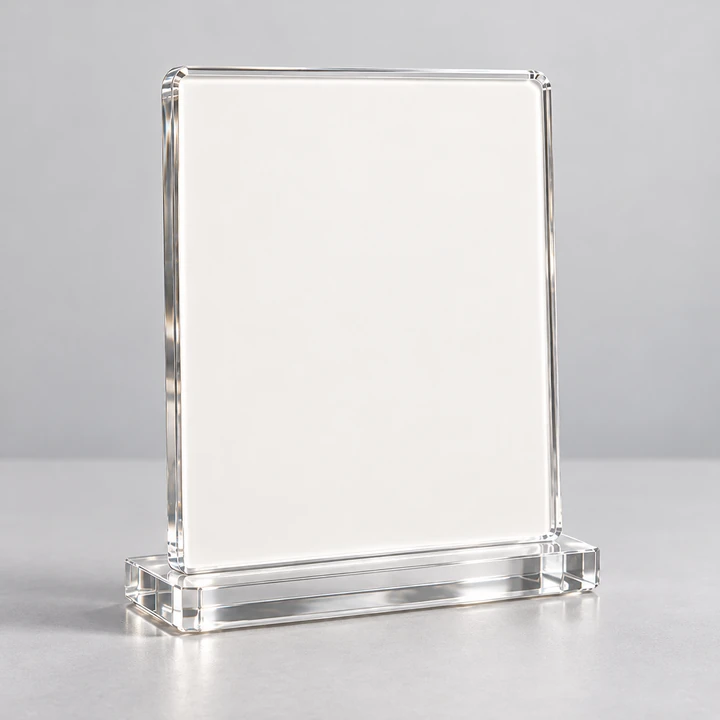
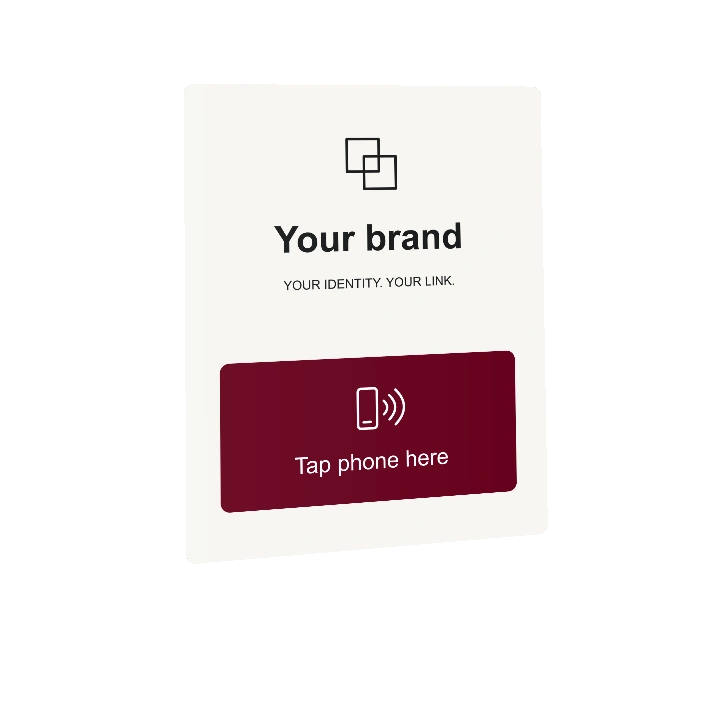
Your brand. A useful next step.

Your brand on the piece. Their next step, one tap away.

A branded piece on your table or counter. One NFC tap or QR scan opens your menu, products, booking and contact options on a page we design for you.

One placement. A useful next step.

Picture it in your space.

At the table · Mini

Sit down. Settle in.

Your menu and Wi-Fi details, right where your guest needs them.

  1. Your branded piece
  2. NFC tap or QR scan
  3. Your page, then your link
Create your table experience
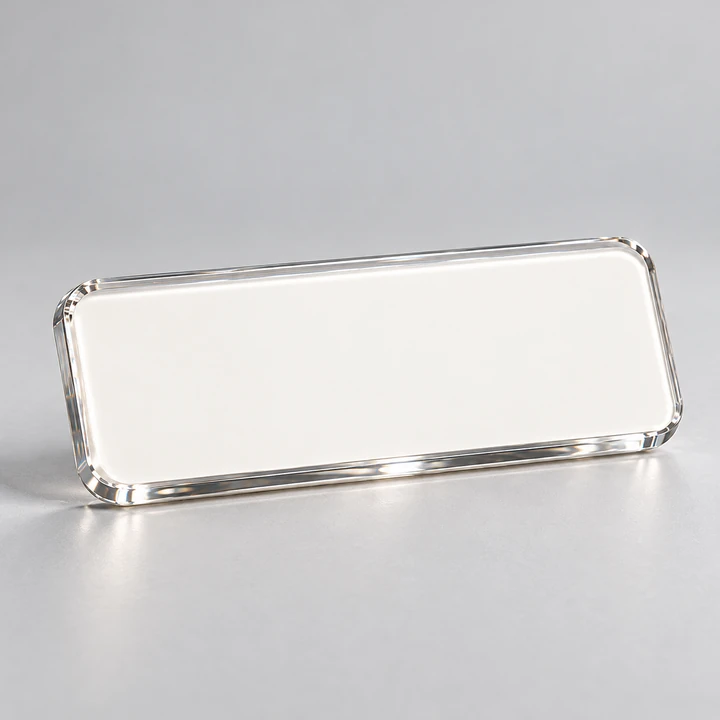
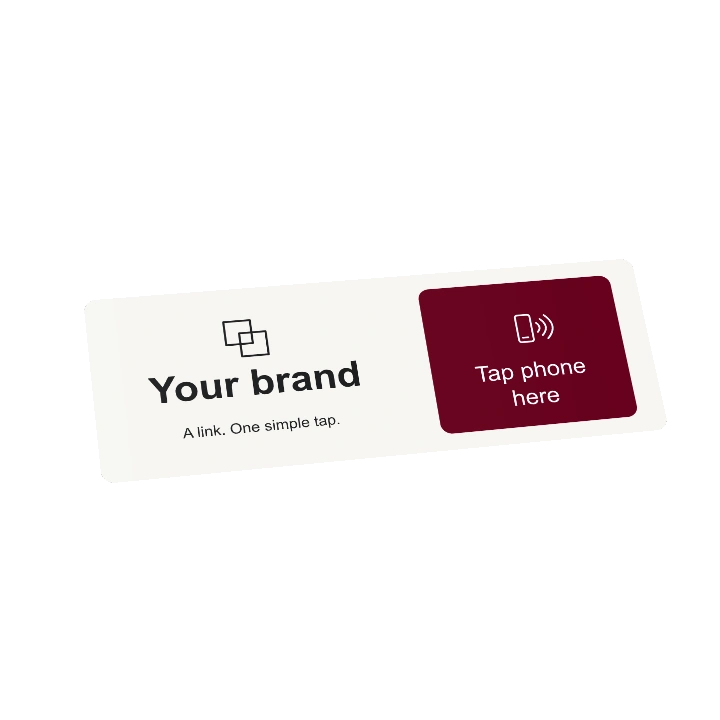
Customizable Your brand concept: low horizontal surface format.
Mini
Your brand
Make yourself at home
Explore the menu
Wi-Fi details
A page in your identity
Illustrative exampleYour guest opens your menu link.
At reception · Frame

A welcome. A next visit.

Your services and booking link, ready for visitors at reception.

  1. Your branded piece
  2. NFC tap or QR scan
  3. Your page, then your link
Create your reception experience
Customizable Your brand concept: larger display format.
Frame
Your brand
When shall we see you next?
Book your next visit
Explore our services
A page in your identity
Illustrative exampleYour visitor opens your booking link.
At the counter · Stand

Leave an impression. Start a conversation.

A clear way to share feedback and stay in touch after a visit.

  1. Your branded piece
  2. NFC tap or QR scan
  3. Your page, then your link
Create your counter experience
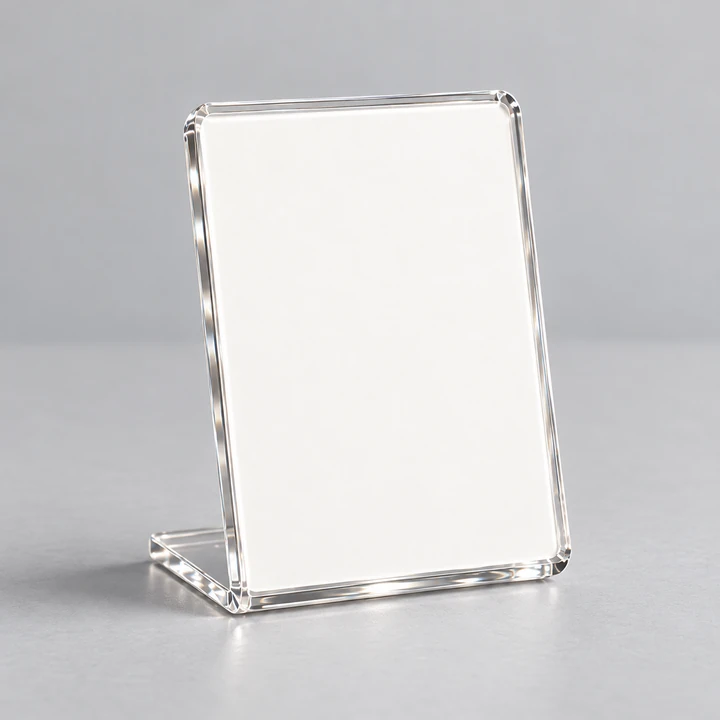
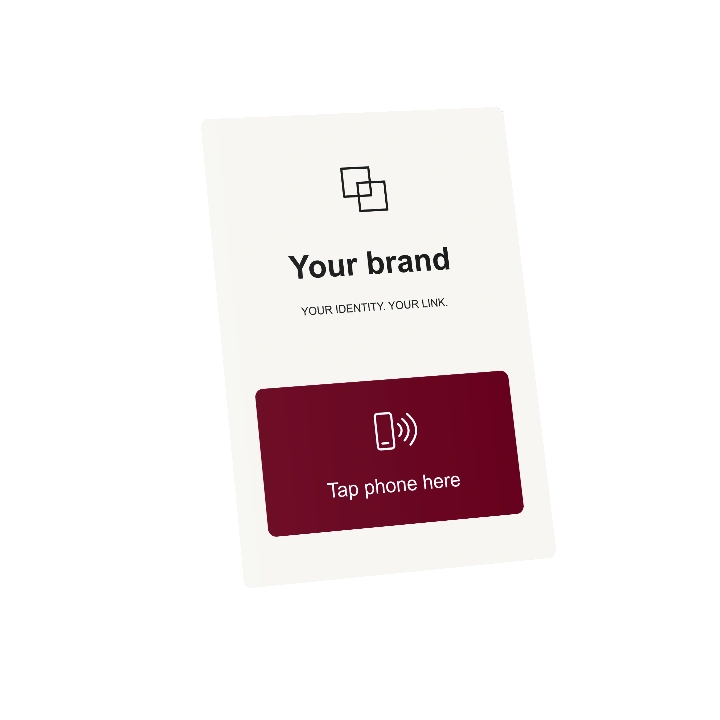
Customizable Your brand concept: compact counter format.
Stand
Your brand
Thanks for stopping by
Share your experience
Get in touch
A page in your identity
Illustrative exampleYour customer opens your review link.

These are possible journeys, not claims of deployed clients or completed integrations.

More directions

Reception information, booking destinations, product discovery and event guidance. Each experience is scoped to the business and verified before release.

From piece to customer page

A format for your space. A design for your brand.

Start with a format. Add your brand materials and content so we can design the piece and customer page together.

About the previews

These are illustrative design previews. We review the physical format, artwork and production details with you.

How it works

A simple tap. A useful next step.

We design the touchpoint and the page together, around your business and what your customer needs.

  1. Tap or scan

    Hold a phone near the NFC mark, or scan the QR code.

  2. Open your branded page

    Your information and links, in an experience made for your customers.

  3. Take the next step

    A menu, Wi-Fi details or a way to get in touch — shaped around your business.

Explore the experience options
Your customer page. Your identity.Illustrative preview · designed with your content
Stone and glass detail — illustrative customer-page image
Your brand
Welcome

Everything your customer needs. In one place.

Your content. A page shaped around your brand.

  • MenuDiscover what we offer
  • Google reviewsShare your experience
  • BookingFind your next appointment
  • Get in touchWe’re here to help

Powered by QA.Tap

Shape a page for your business

Made around your business

Keep the touchpoint. Evolve the experience.

As your business changes, so does the information your customers need. Update the content and destination while keeping the same touchpoint.

Your own identity

Your logo, colours and content, from the physical piece to the page.

Content that can change

Update information and links, with scheduled content and fallbacks.

Signals with clear limits

Observe hosted views and outbound navigation. These signals do not prove completion on another site.

FAQ

Questions before your first touchpoint.

NFC, QR and the digital experience behind the physical entry.

What does QA.Tap do?

QA.Tap connects a physical customer touchpoint to a managed digital experience: a branded page, useful information or an approved destination. The entry, the content and the next step are shaped around the business rather than a fixed NFC product catalogue.

Understand the system

What is the difference between NFC and QR?

NFC opens the entry link when a compatible phone reads the tag at close range. QR opens it through a camera or QR scanner. QA.Tap treats NFC and QR as separate access methods, even when they belong to the same physical unit.

Does the customer need to install an app?

No extra app is needed to open the web experience. NFC needs a compatible NFC-enabled phone; QR needs a supported camera or scanner. An internet connection is needed for the page. Phone compatibility and the final NFC assembly are checked before physical release.

Can the destination change without replacing the touchpoint?

When the touchpoint uses its QA.Tap entry link, QA.Tap manages and releases approved routing or hosted-content updates behind that link. The static NFC entry does not need re-encoding, and its QR entry does not need reprinting just because the destination changes.

Explore experience directions

Where could a touchpoint be used?

A table, service counter, reception desk or event can provide a useful starting point. The placement, customer action and physical construction are scoped together; a concept image does not prove that a finished piece has been tested in that setting.

What can QA.Tap measure?

The implemented platform records accepted entry requests, hosted experience views and outbound navigation. These events do not prove physical presence, unique visitors, purchases or completed reviews elsewhere. The charts on this website are illustrative.

Understand what can be measured

Can the physical touchpoint and page carry my brand?

Artwork, colours, placement and the digital journey can be scoped in your concept brief. Mini, Stand and Frame are prototype concepts, not validated commercial products. Final materials, read performance and availability must be confirmed separately.

View the prototype directions

Does QA.Tap support English and Arabic?

This public website is available in English and Arabic, with right-to-left Arabic layouts. Tell us which languages your customer experience needs in the brief; its content and language behaviour are scoped and verified for that experience.

How do I start a concept request?

Share the business, where the touchpoint would sit and what the customer should be able to do next. Links or small reference files can help explain the idea. A request starts a discussion; it is not a purchase or a promise of manufacturing, delivery or integration.

Request a tailored concept

Let’s confirm the details

Have something else in mind? Tell us about it.

Every piece above can carry your branding. If you need a different physical format or a broader experience, tell us your idea and where it will live so we can review the possibilities.

A short brief, in three steps.

Your concept brief

Required *

  1. 01The business
  2. 02The placement
  3. 03The next action

The business

Use HTTPS links without login details. Up to six links in total, 500 characters per link.

Add reference links or files Optional

Up to 20 PNG, JPEG or PDF files. 150 MB total per request. You can add files in batches.

    The placement

    Where would the touchpoint live? *

    The next action

    What should the customer be able to do? *