How it works
From one touchpointto a useful next step.
A QA.Tap touchpoint creates a simple entry into a digital experience that can be managed, changed, and measured without changing the physical interaction.
Request a tailored concept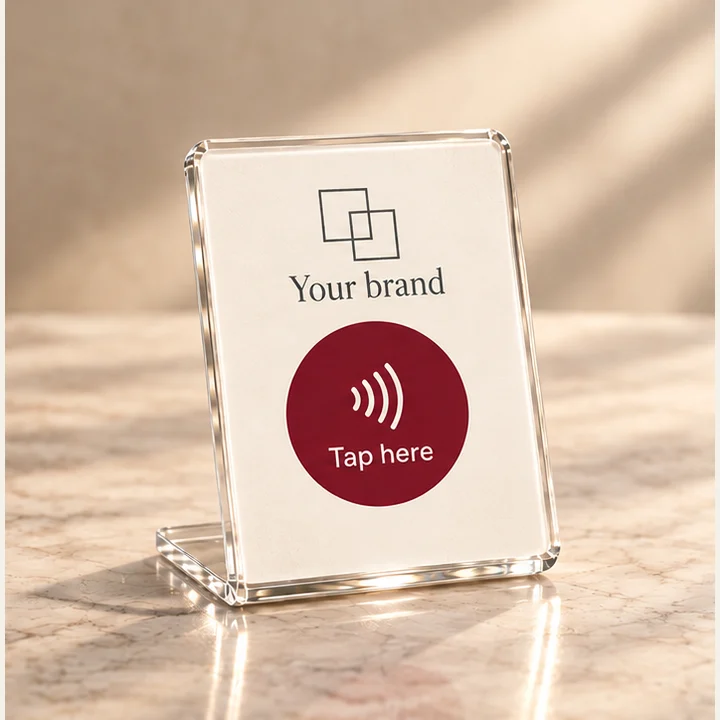
01 — Physical
It starts in the real world.
QA.Tap begins with a physical touchpoint placed where the interaction makes sense — on a counter, table, display, package, or another suitable surface.
The object creates the moment. NFC provides the entry.
02 — Contact
One tap is enough.
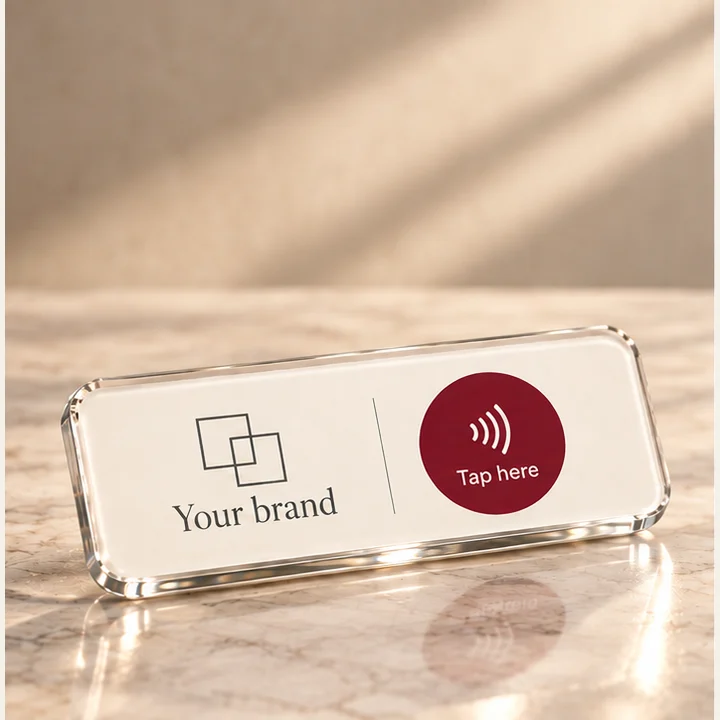
The visitor brings their phone to the touchpoint. A stable QA.Tap entry opens without requiring an app download.
The interaction stays simple for the visitor while QA.Tap handles what happens next.
03 — Managed
Keep your content relevant.
Update the information, offer or destination behind your touchpoint as your business needs change. Your customer still starts with the same simple tap.
That means the digital journey can evolve without replacing the physical touchpoint.
AN EXAMPLE OF AN EXPERIENCE UPDATE
Guest essentials
Visitor information and Wi-Fi details
A new-season offer
A current offer and a link to the details
The content behind the touchpoint changes. The way your customer reaches it stays familiar.
04 — Experience
Your identity. A useful next step.
Welcome customers into a page designed around your brand. Bring together useful information, Wi-Fi details, offers and relevant links—or lead directly to a destination you choose.
Give people what they need in that place, at that moment.
CUSTOMIZED FOR YOUR BRAND
A good place to begin.
Useful information, our latest news, and your next step.
Ask our team about offers and eligibility.
- Explore our servicesFind what you need
- Connect to Wi-FiYour network details
- Get in touchChoose how to reach us
- Share your thoughtsVisit our review page
Powered by QA.Tap
05 — Observe
See where activity happens.
QA.Tap records accepted entry requests, pages it serves and outbound links it issues. Group these events by touchpoint, location and time to see where and when the experience is being used.
An entry is not proof of physical presence. A redirect does not tell us whether a purchase or review was completed.
ILLUSTRATIVE EXAMPLE · NOT LIVE DATA
A week of activity at reception
Entry requests per day
Example: days 14–20 of the month
- Entry requests
- 900Accepted by touchpoints
- Page views
- 776Experience pages served by QA.Tap
- Outbound redirects
- 330Links issued by QA.Tap

See how QA.Tap could work in your space.
Start with the physical moment. We can shape the digital experience around it.
Request a tailored concept